Ask a Question
Search BRUIN Support for help articles.
How Do I Access the Student Financial Aid Portal?
You can access the automated system in three different ways: BRUIN Connect; the BRUIN Student Portal; or the Student Financial Aid Portal direct URL.
Logging in to the Student Financial Aid Portal via BRUIN Connect
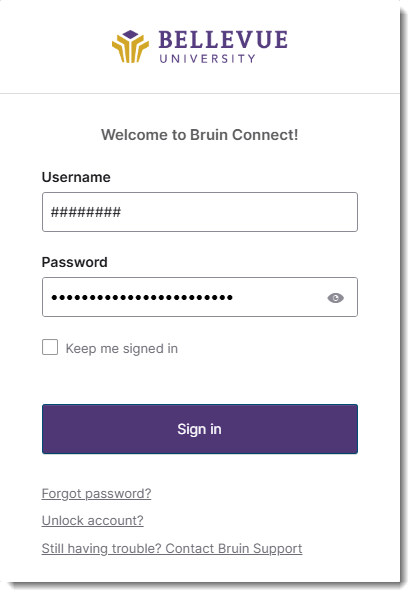
1 - Open a browser and go to BRUIN Connect (https://bruinconnect.bellevue.edu).
2 - Enter your Student ID # and Bruin Password into the USERNAME and PASSWORD fields.
3 - Click on the SIGN IN button.
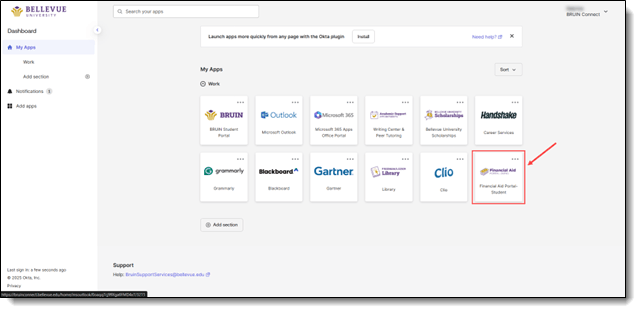
4 - Click on the FINANCIAL AID PORTAL - STUDENT chicklet, and the Financial Aid Portal will be displayed.
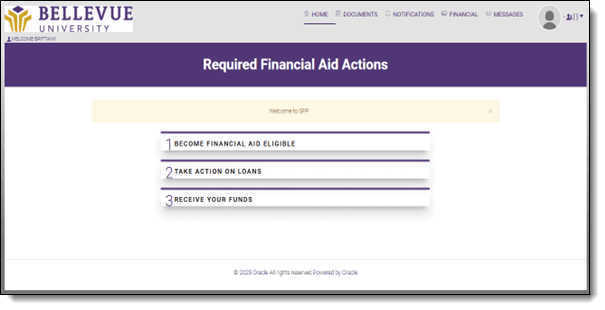
NOTE: The Dashboard displays a condensed section of the menu items.
Login Problems
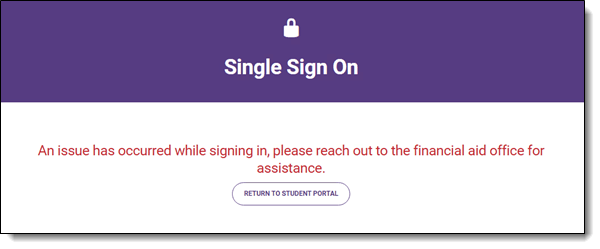
NOTE: If you are unable to access the portal, please reach out to Bruin Support Services or your Admissions Counselor/Student Coach to troubleshoot.
End of Procedure
To provide feedback on this article, contact Bruin Support Services!