

Online Tutoring Services
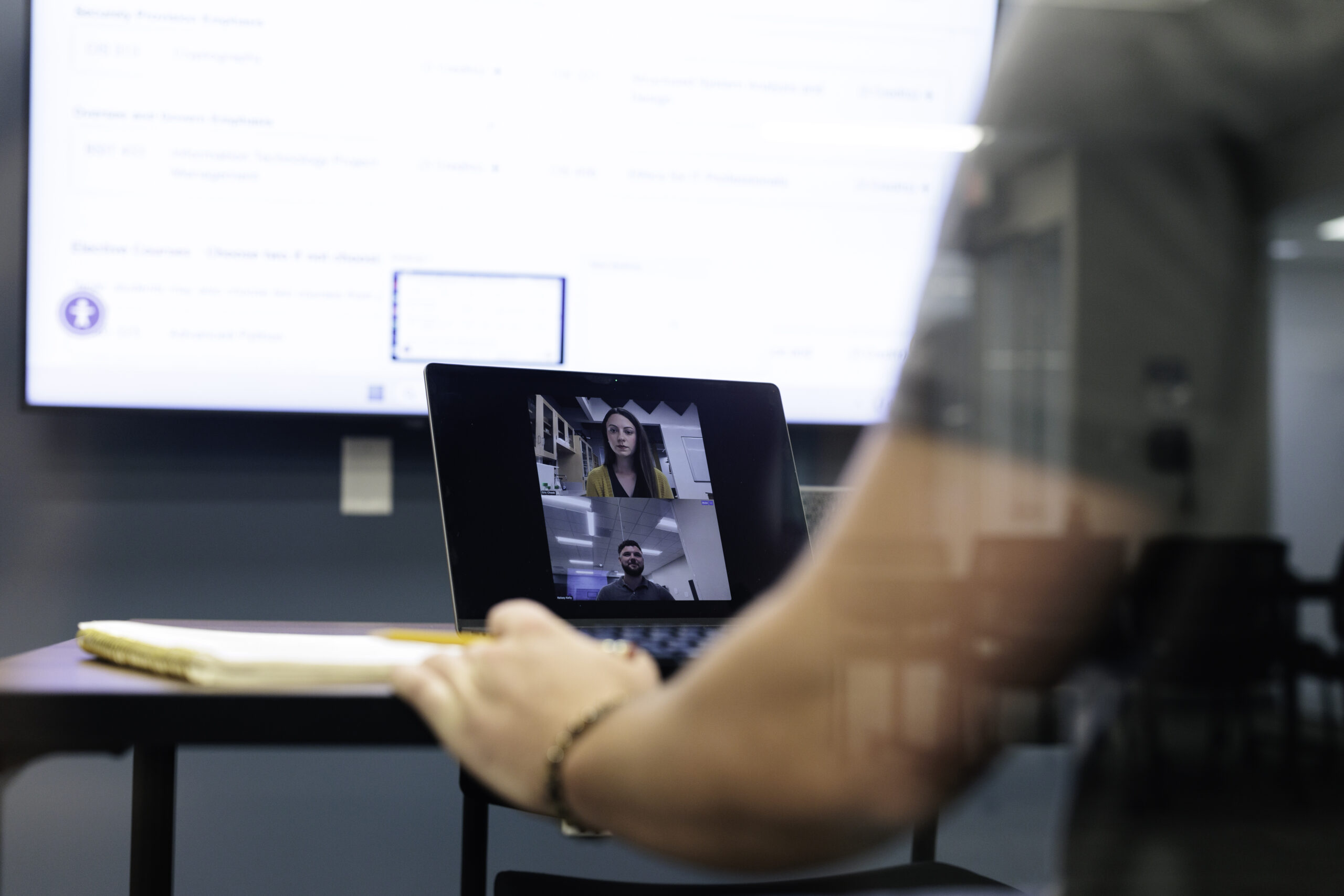
Online students may receive tutoring assistance via Zoom.
zoom sessions
Zoom is a free online service allowing a student a real-time, interactive way to work with a tutor using video, audio and screen sharing.
What You’ll Need:
- Computer with a headset or microphone and speakers
- High-speed internet
- Webcam (strongly recommended)
Instructions:
- To schedule a tutoring session, log in to your BRUIN Connect account and access the “Academic Support” chicklet.
- Click “Start or Join Online Session” within your appointment form to start your session.
- Click the Zoom link located in the online session document.
- Once your tutor has logged in, video and audio options will become available. You are not required to use video, however, it helps the tutor assess how well the material is being understood.